Teen Health Hub WA
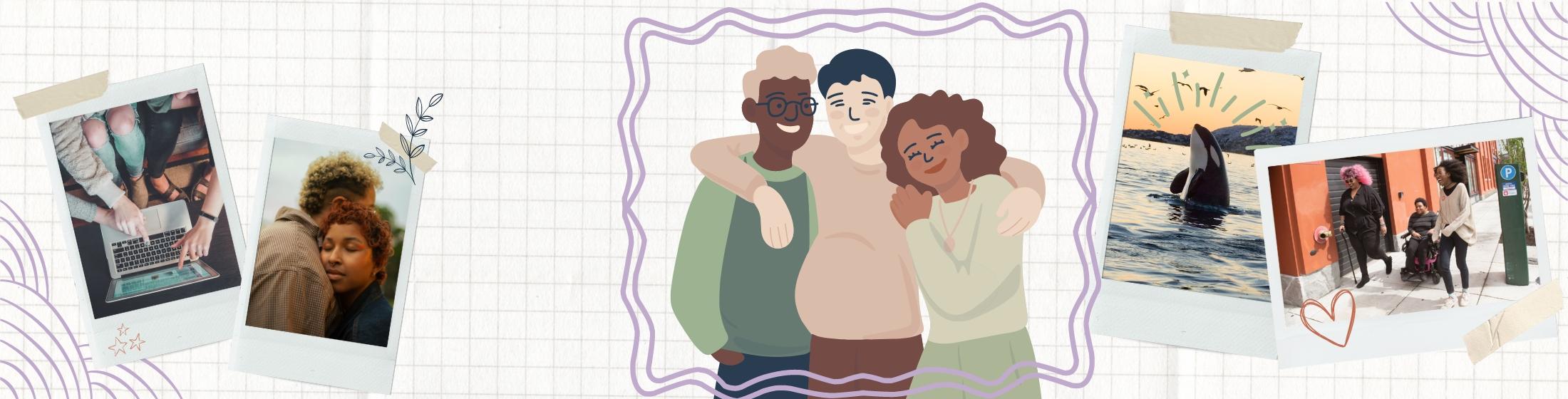
Young people have questions about their health. Visit Teen Health Hub WA to find answers and more.
Learn More
Opioid Information
Opioids such as prescription pain medication, heroin, and fentanyl are causing a serious public health and community crisis across the nation.
Learn More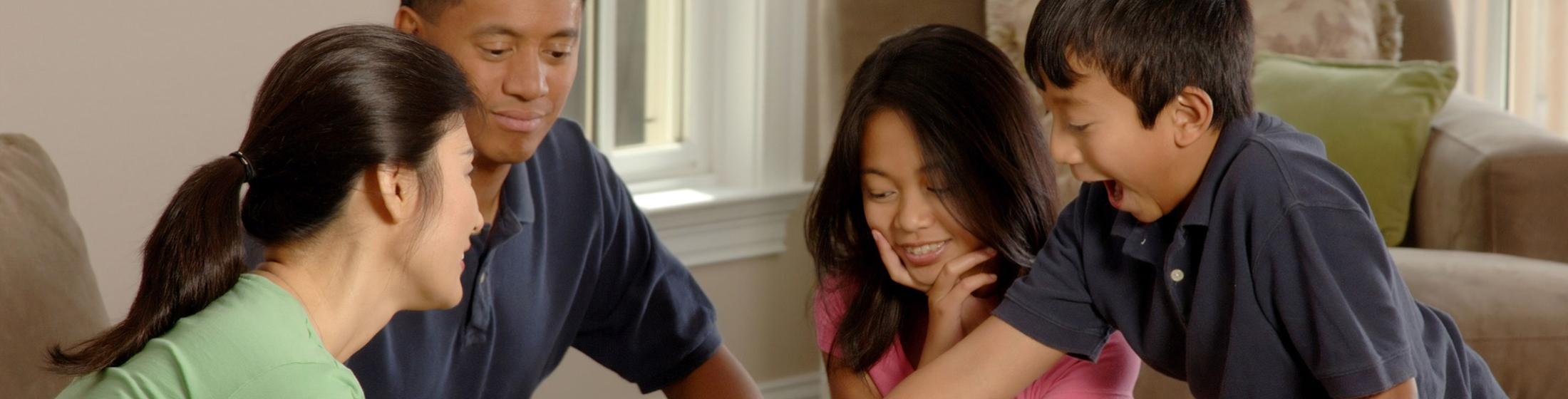
Protect Your Family From the Flu
Learn how you can keep yourself and your loved ones healthy.
Learn More
Climate and Health
Climate change can harm our health by affecting air quality, extreme heat, agriculture, flooding, and more.
Learn More
Washington Offers Vaccinations at No Cost to Every Child
Find out what vaccines your baby or child needs to keep them healthy and in school.
Learn Morebreadcrumb
Find it Fast
Health Care
Provider Lookup
Search for a health care provider or their credentials.
Flu Information
Find out how to protect against flu, including vaccination.
Food Worker Cards
Get your food worker card or information on the required exam.
Professional
Licensing A-Z
Renew, update, or get a new professional license.
Vital Records
Find information about birth, death and marriage certificates.
File a Complaint
File a complaint about a medical provider, facility, or another public health issue.
Immunizations
Get information and make an educated choice about immunizations for your family.
Shellfish Safety Map
Check for beach closures and advisories before you harvest.
Business Opportunities
See contracts for bid, forecasting data, and learn how to do business with us.
COVID-19 Information
Still Have Questions?
Call our information line:
1-800-525-0127
Language assistance is available!
Care-a-Van Events
Care-A-Van is a mobile health service that supports underserved communities and those most impacted by COVID-19 and other health inequities across Washington state. You can get health services such as COVID-19, seasonal flu, Mpox, and many childhood vaccines. Screenings for blood pressure and blood glucose are also available. Register for an upcoming clinic near you.
See All Events and RegisterApril 27
Wapato Wellness Coalition Take Back Day
Wapato, WA 98951
April 27
Seattle Alumnae Delta Sigma Theta Black Health Fair
Seattle, WA 98118
April 27
On the Road with PartnerCafe Under the Big Top Community Resource Fair!
Tacoma, WA 98409
April 27
Nuestras Raices Community Center Festival Dia del Nino
Royal City, WA 99357
Transformational Plan:
A Vision for Health in Washington State


Follow DOH
News Releases
DOH Reach and Impact
80803
new practitioners licensed
166135
water samples evaluated for contaminants
160000
newborn blood samples tested for congenital disorders (approximately)
86%
kindergartners immunized per current standards
306108
birth certificates issued
223888
women and children received WIC nutritional and breastfeeding support
Data as of 2019.

Secretary's Corner
Welcome to the Secretary of Health's (SOH) Corner. The Secretary's Corner is a space dedicated for Washingtonians to get to know the Secretary of Health, Dr. Umair A. Shah.
On this page, people will be able to learn about the vision, ideas, publications and new projects of the Department of Health and its leaders.
The Secretary of Health leads the Department of Health in the state. Governor Inslee appointed Dr. Umair A. Shah in December 2020. Dr. Shah comes to Washington state with more than 20 years of experience in the medical and public health fields, inspired by the cornerstone values of equity, innovation, and engagement.